Customization & Sampling
What Artwork Should You Send for Custom Embroidery? A Preparation Checklist
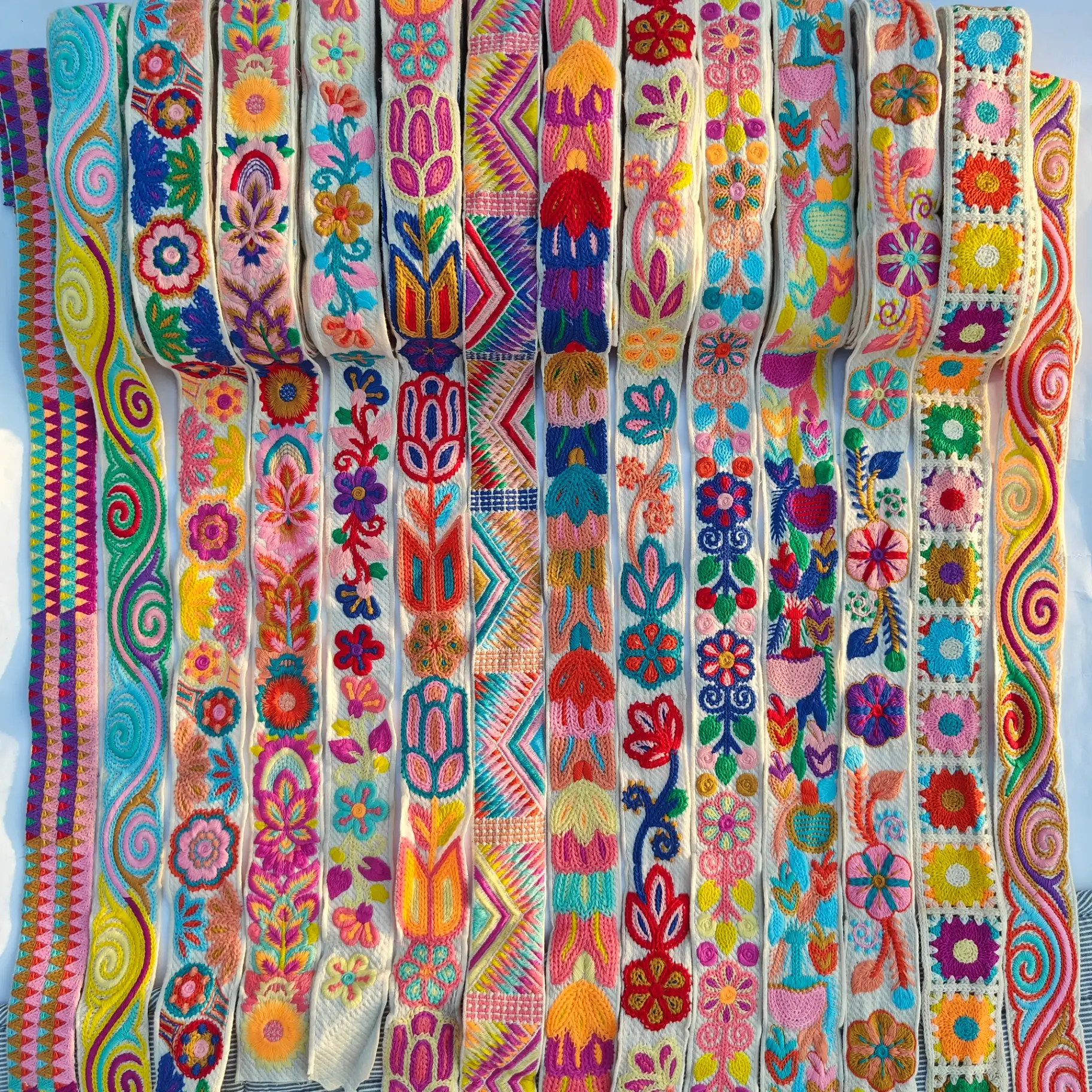
A project may begin with a photograph, sketch or existing artwork. The information need not be complete immediately, but identify what must be preserved and what is only a style reference. This helps a supplier determine whether to request details, discuss materials or prepare digitizing.
Distinguish artwork, embroidery design and machine output
Wilcom distinguishes an input image, an editable embroidery design and machine output as separate stages. A clear flower outline on screen does not confirm stitches, thread or fabric. Explain whether your current file is a visual reference or previously used production information.
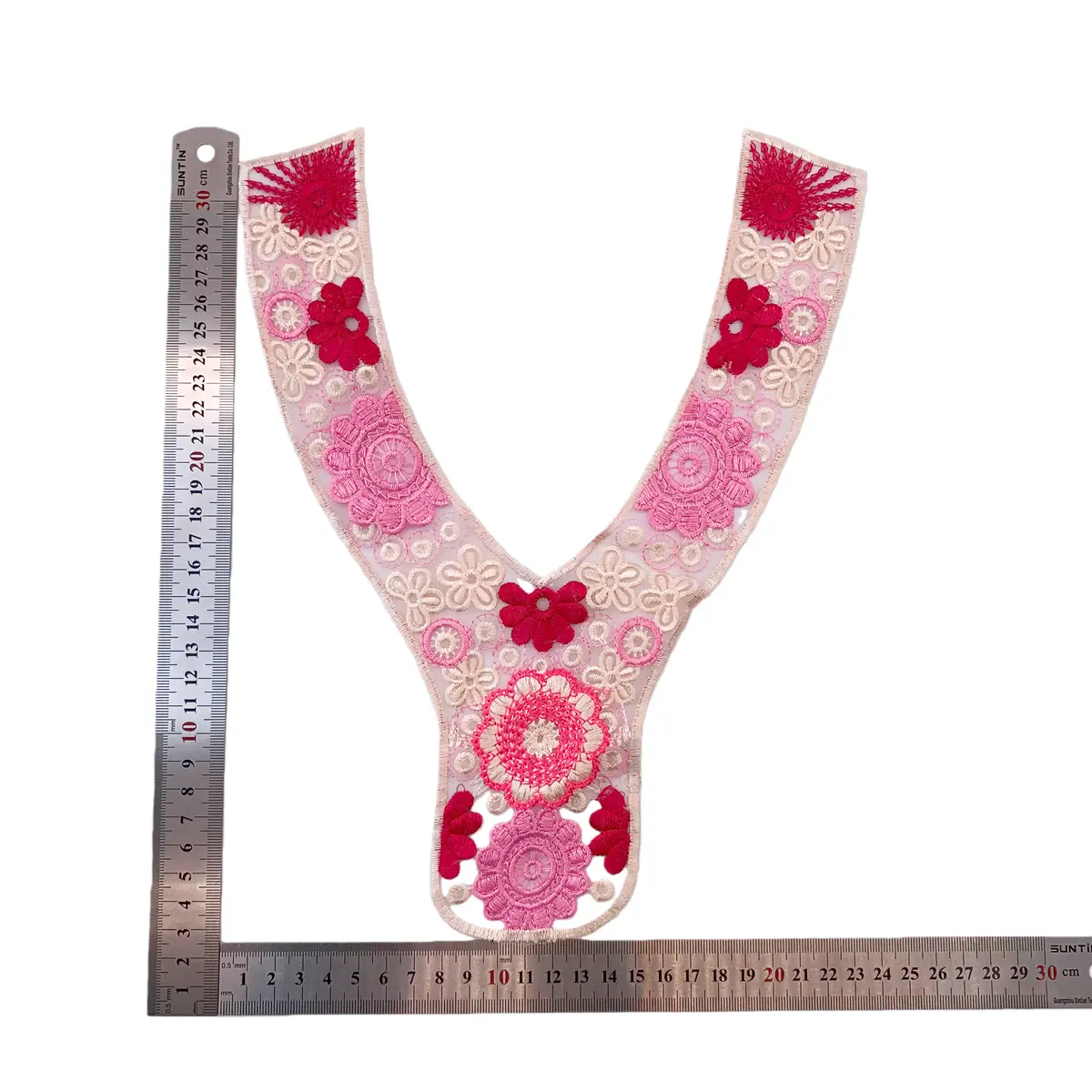
Ask which formats can be received, then share the clearest original available. Repeatedly enlarging a screenshot cannot replace its original, and renaming an extension is not digitizing. If you have only a physical item, begin with front, reverse and detail photographs alongside a ruler.
Technical references
Mark dimensions and essential features
State finished motif width, height, direction and placement. For a neckline or sleeve border, include decoration boundaries and seam areas to avoid. Send colour references, proposed fabric and approximate quantity together. Mark undecided items as open rather than leaving the supplier to assume a choice.
Circle petals, gaps, lettering or edges that must remain, and identify details that may change. One annotated reference often communicates more than several unexplained photographs. For a garment photograph, clarify whether only a particular decorated area is relevant.
Give each revision an identifiable version
Keep the artwork version, dimensions, colours and material notes in one record. List each change, such as moving a flower, widening a border or replacing the base. Avoid approving different parts of several versions in separate chat messages.
Distinguish quotation references, designs awaiting sampling and approved versions. Agree which development materials and deliverables the quotation covers. A file format alone does not establish that an editable source or particular machine file will be supplied.
Review the stitch-out before the next stage
A preview helps discuss layout; a physical sample lets your team examine stitching, edges and hand feel on the selected materials. Review the stitch-out beside its artwork version and record accepted changes and unresolved points.
If size, base or thread subsequently changes, ask whether digitizing adjustments or another trial are needed. Include both final artwork and sample identifiers in the approval record so quotation and production discussions share the same target.
- Clear artwork or physical-item photographs
- Finished dimensions and placement
- Base, colours and intended quantity
- Version identifier and open decisions
Discuss your embroidery project
Send Zhijin your reference, dimensions, application and quantity, marking essential features. We can identify missing information before discussing All4Lace products or custom sampling.
Contact Zhijin